
Linux filesystem quiz
Correct answer:
Explanation:
Your result:
Score: 0/0
Quiz question-answer pairs sourced from ChatGPT-5.2.
Unix/Linux filesystem
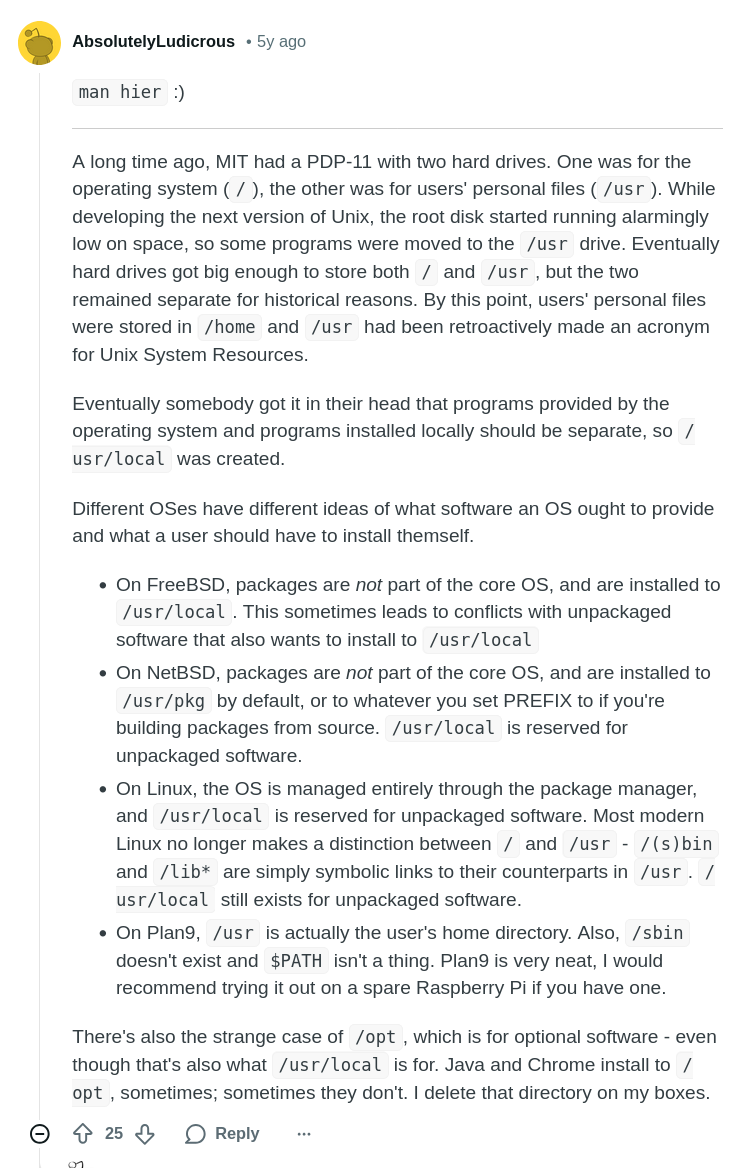
One of my favourite explanations, from a Reddit answer by AbsolutelyLudicrous:
My own cheatsheet, given that I mostly work on Ubuntu or Fedora:
- A binary already installed or one I installed using
aptordnf? Then look under/usr/binor/bin/(which is often a symlink to/usr/bin/). - A binary I installed, but without using a package manager? Then look under
/usr/local/, or possibly/opt/if it is self-contained. - A non-configuration textual file? Then look under
/usr/share/or/usr/local/share/, choosing the latter if it's one of the self-installed and non-package-managed pieces of software. - A configuration file? Then look under
/etc/or/usr/local/etc/.